Control simulators from your browser, CLI, and agents
npm i -g simdeck@latestsimdeck
Run simulators in the background, stream them wherever you work, and give agents stable controls without stealing your screen.
01
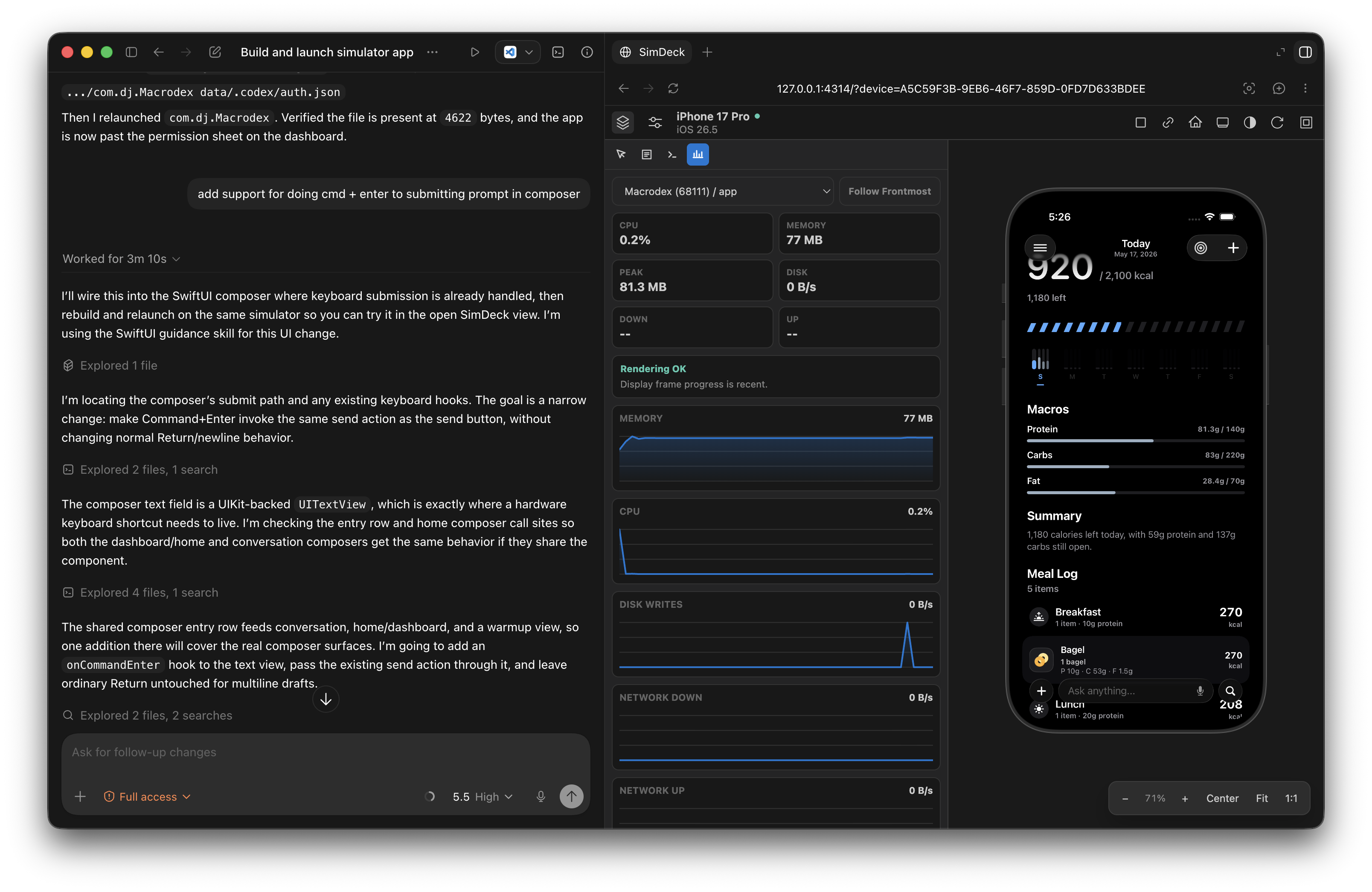
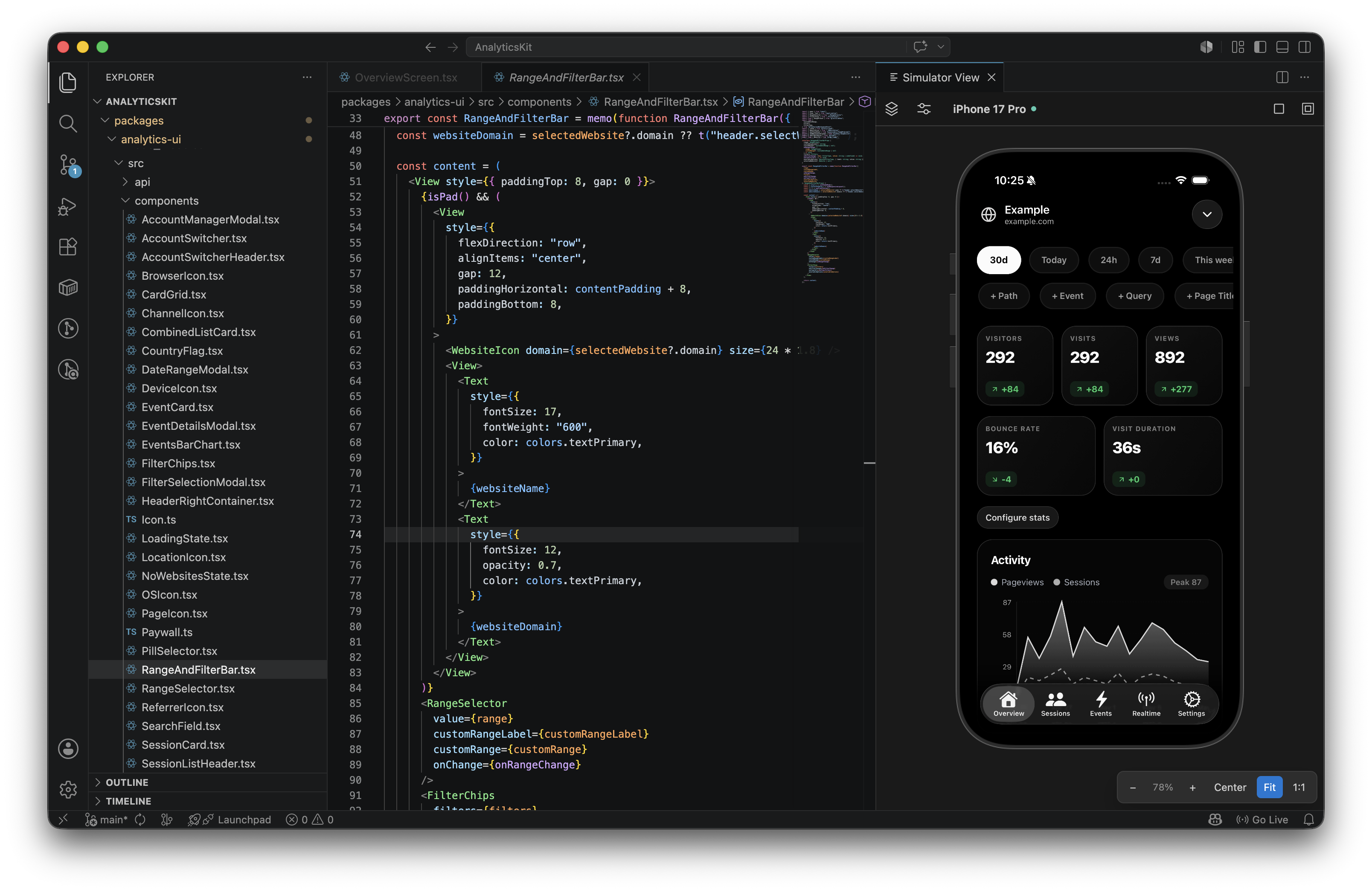
Live simulator where your work already happens
Open Simulator side by side in your favorite IDE or agent orchestrator. Supported in VS Code, Codex, Cursor, Claude Code, and more. Simulators run headlessly in the background for agents to operate on while you stay focused on what matters in the current context.
02
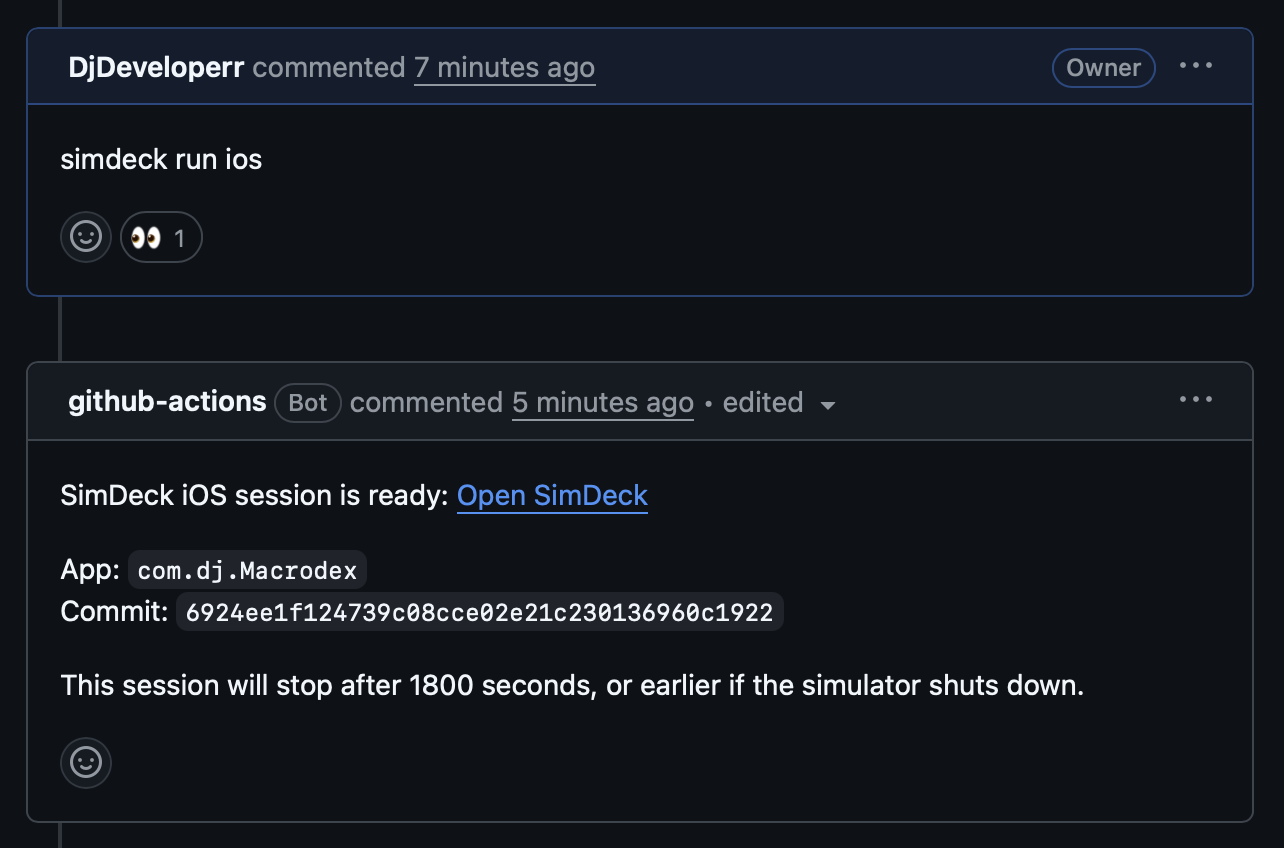
Pull request previews for mobile apps
GitHub Actions can build the app, boot a simulator, and stream the session back through SimDeck. Review a mobile PR like a web preview: open it, tap around, and merge with actual confidence.
03
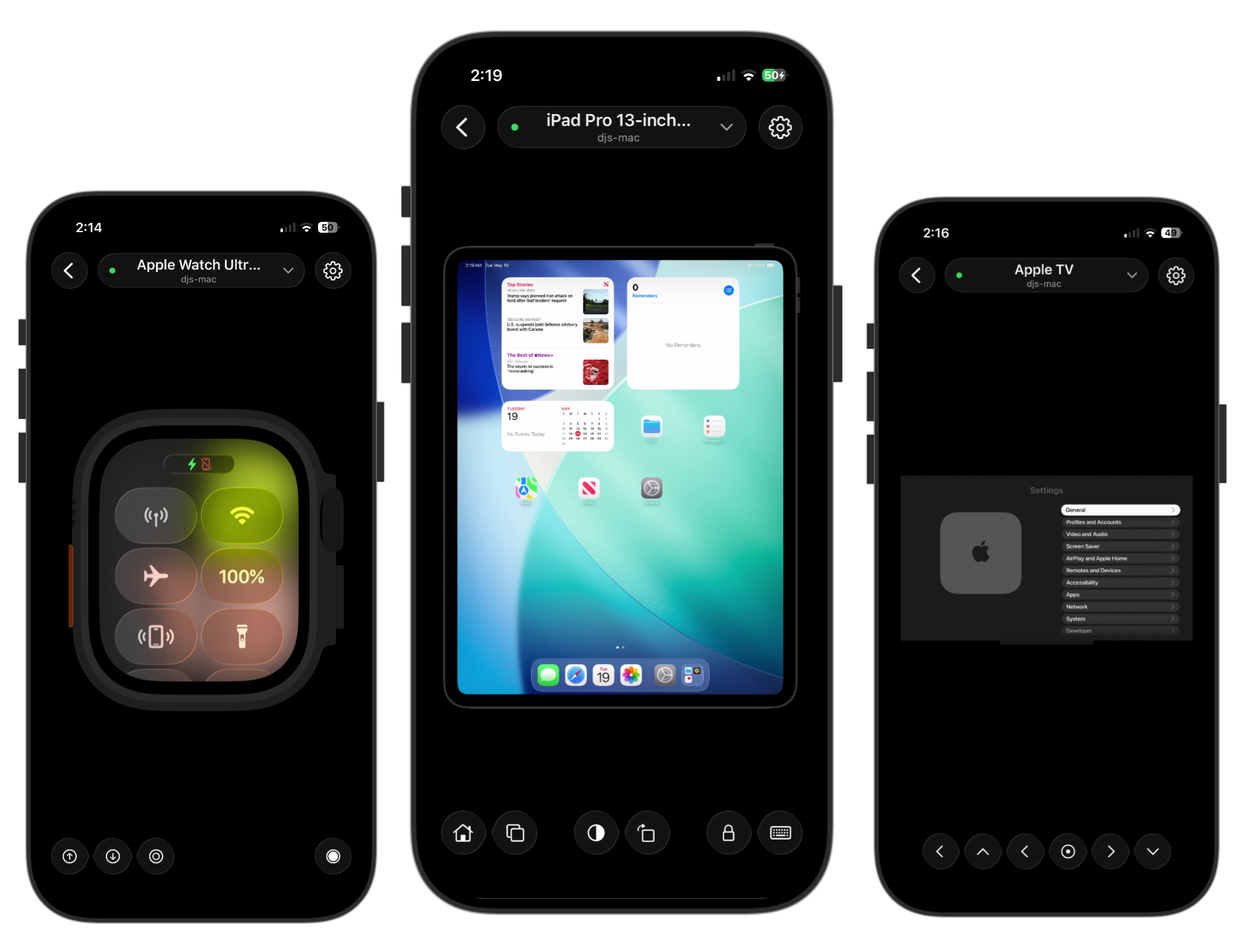
Remote simulator access without the screen-share lag
WebRTC carries the live stream to browsers, teammates, and SimDeck Studio on iOS. Pair once, then drive the simulator from wherever the work is happening.
Boot, install, launch, tap, type, describe, screenshot, record, and assert. Stable commands and clear JSON errors turn simulators into end-to-end test rigs for every agent in your fleet.
Run it headlessly on your Mac, stream it into your editor, or from a PR on GitHub actions. Let agents tap, type, inspect, screenshot, and verify without taking over your desktop.